
If you run an HVAC, plumbing, electrical, landscaping or pool service company, you already know the feeling. A customer calls back asking about a quote nobody can find. A tech shows up without the gate code. An invoice sits unpaid for six weeks because it was never sent.
Those aren't people problems. They're system problems, and the fix is usually the right CRM. But software built for a sales team selling to other businesses works very differently from software built for crews in trucks. This guide walks through how to choose the best CRM for a home service company, which features actually matter, and the mistakes that cost owners time and money.
What a CRM should do for a home service business
A generic CRM tracks contacts and sales deals. A home service CRM has to run the whole job, from the first phone call to the final payment. That means it combines customer management with field service management in one place.
At minimum, it should answer these questions in seconds:
- Who is this customer, and what have we done for them before?
- Who is on the schedule today, and where are they?
- What did we quote, and was it approved?
- What have we invoiced, and what is still unpaid?
If your current setup needs three apps, a whiteboard and a spreadsheet to answer those, you have room to improve.
9 features to look for
1. Scheduling and dispatching
Drag-and-drop scheduling lets your office see every tech's day at a glance and move jobs when something runs long. Look for a calendar that updates in real time for the field team.
2. A mobile app your techs will actually use
Your technicians touch the software more than anyone. If the app is slow or confusing, they'll stop using it and your data falls apart. Ask for a trial and put it in the hands of your least tech-savvy tech.
3. Quotes and estimates in the field
The faster a customer sees a price, the more likely they are to say yes. A good CRM lets techs build a quote on site, send it by text or email, and collect approval before they leave the driveway.
4. Invoicing and payments
Invoices should go out the moment a job is marked complete, with a link customers can pay from their phone. Every day an invoice waits is a day your cash is stuck.
5. Accounting integration
If you use QuickBooks, your CRM should sync invoices and payments automatically. Double entry wastes hours and creates errors your bookkeeper has to untangle later.
6. Customer history in one place
Every visit, photo, note, equipment detail and payment should live on the customer record. When someone calls, anyone in the office can help them without digging.
7. Service agreements and recurring work
Maintenance plans are one of the best ways to build steady revenue. Your CRM should handle recurring visits, autopay billing and renewal reminders without manual tracking.
8. Reporting
You should be able to see revenue by tech, by service type and by month without exporting to a spreadsheet. If you can't measure it, you can't grow it.
9. Pricing that scales with you
Watch for per-user pricing that punishes growth. Your software bill shouldn't jump every time you hire a tech.
Questions to ask before you buy
Bring this list to every demo:
- How long does setup take, and who does it?
- Can I import my existing customers and job history?
- What happens to my data if I leave?
- Is there a contract, or can I pay month to month?
- Does it work for techs in areas with poor signal?
- Who do I call when something breaks, and how fast do they answer?
- Is the free trial long enough to run real jobs through it?
Common mistakes when choosing a CRM
Buying for the office, not the field. The owner and office manager pick the software, but techs use it all day. Involve at least one tech in the decision.
Paying for features you'll never use. Enterprise platforms come with long setup times and big price tags. Most small and mid-sized home service companies need a tool that does the core job well. If you're comparing options, see how Amplafide stacks up as a ServiceTitan alternative or a Jobber alternative.
Skipping the trial. A polished demo shows the best case. Run a week of real jobs before you commit.
Waiting for the perfect time. There's never a slow enough week to switch. The cost of staying on paper and spreadsheets grows every month you wait.
Why home service companies choose Amplafide
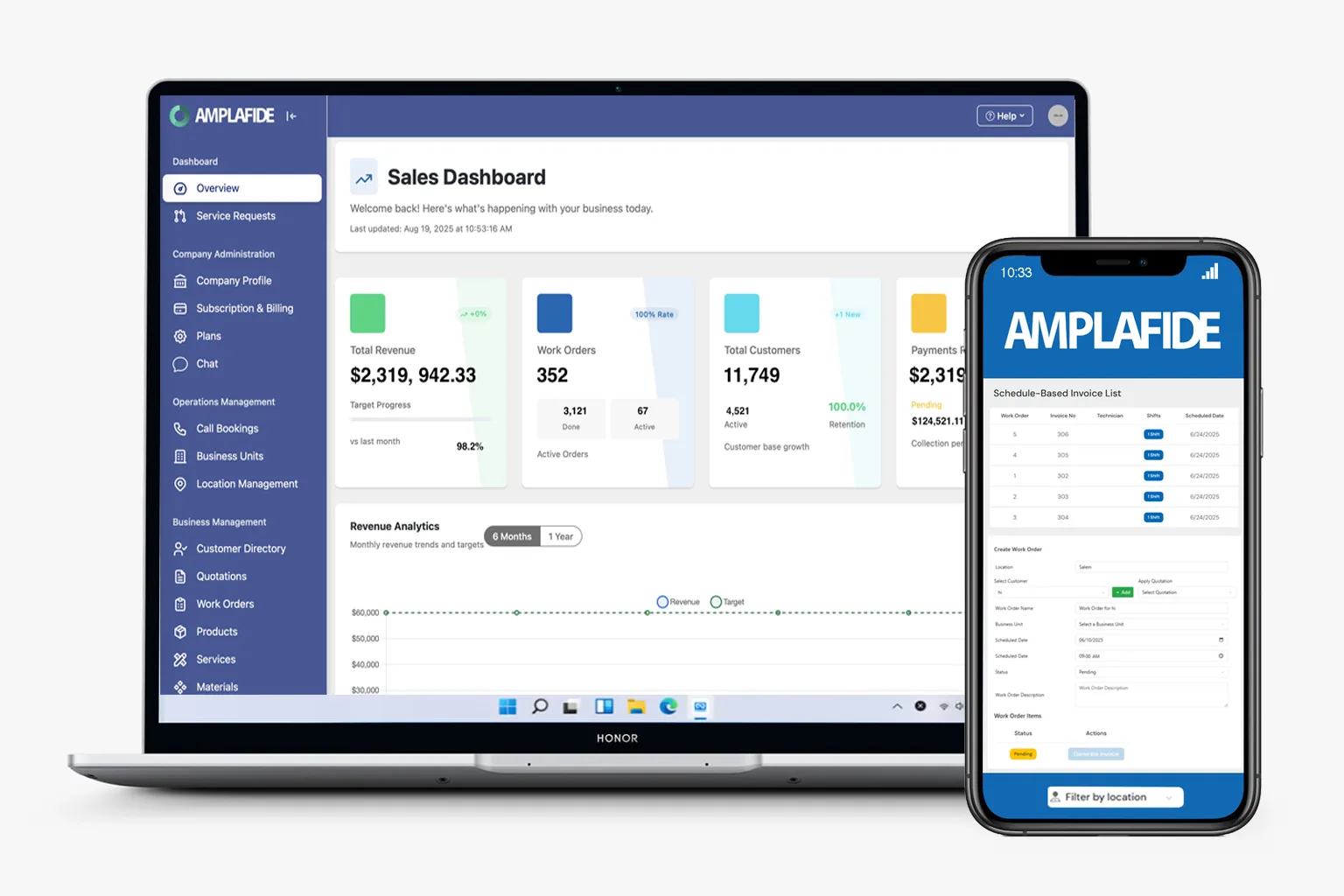
Amplafide was built for home service trades, starting with HVAC, plumbing, electrical, landscaping and pool companies in Phoenix. It brings scheduling, dispatch, quotes, invoicing, payments and customer history into one platform, with a live QuickBooks sync for invoices and payments. It also supports service agreements, with recurring visits, autopay billing, member perks and renewal reminders built in.
| Team size | Users | Price |
|---|---|---|
| Small crews | Up to 5 | $150/month |
| Growing teams | Up to 20 | $250/month |
| Large operations | 21+ | $500/month |
All plans are month to month. See full details on our pricing page.
The bottom line
The best CRM for your home service company is the one your team will use every day. It should match how you work in the field, connect to your accounting, and grow with you without surprise costs.
Frequently asked questions
What is the best CRM for a home service business?
The best CRM is one built for field work: scheduling, dispatch, mobile quotes, invoicing, payments and customer history in one system, with an accounting sync and pricing that scales as you hire.
How much does a home service CRM cost?
Pricing varies widely. Amplafide costs $150/month for up to 5 users, $250/month for up to 20 users and $500/month for 21 or more, billed month to month.
How long does it take to switch CRMs?
It depends on how much data you bring over. A free trial lets you import customers and run real jobs before you commit.
See how Amplafide can help
Amplafide runs your whole job from first call to final payment. Flat pricing for your whole team, starting at $150/mo for up to 5 users, month to month with no contracts. New customers get their first 30 days free.